
WooCommerce Stock Sync Pro version 3.0.0 introduces a major performance improvement for setups involving 3 or more stores and better reliability.
Higher performance for 3 or more sites
In the previous versions requests were handled in series, i.e. the plugin waited one site to finish before moving onto the next one. This was an inefficient way with more than 3 sites because it’s technically possible to perform requests in parallel, i.e. update all sites simultaneously.
In the version 3.0.0, syncing requests are performed in parallel. This means that when you update stock quantity of a product, the plugin will sync that change to all connected sites simultaneously. Responses are handled once all sites have responded either with a success or an error.
To see how much better performance would be, we tested the new version with 1 Primary Store and 2 Secondary Stores.
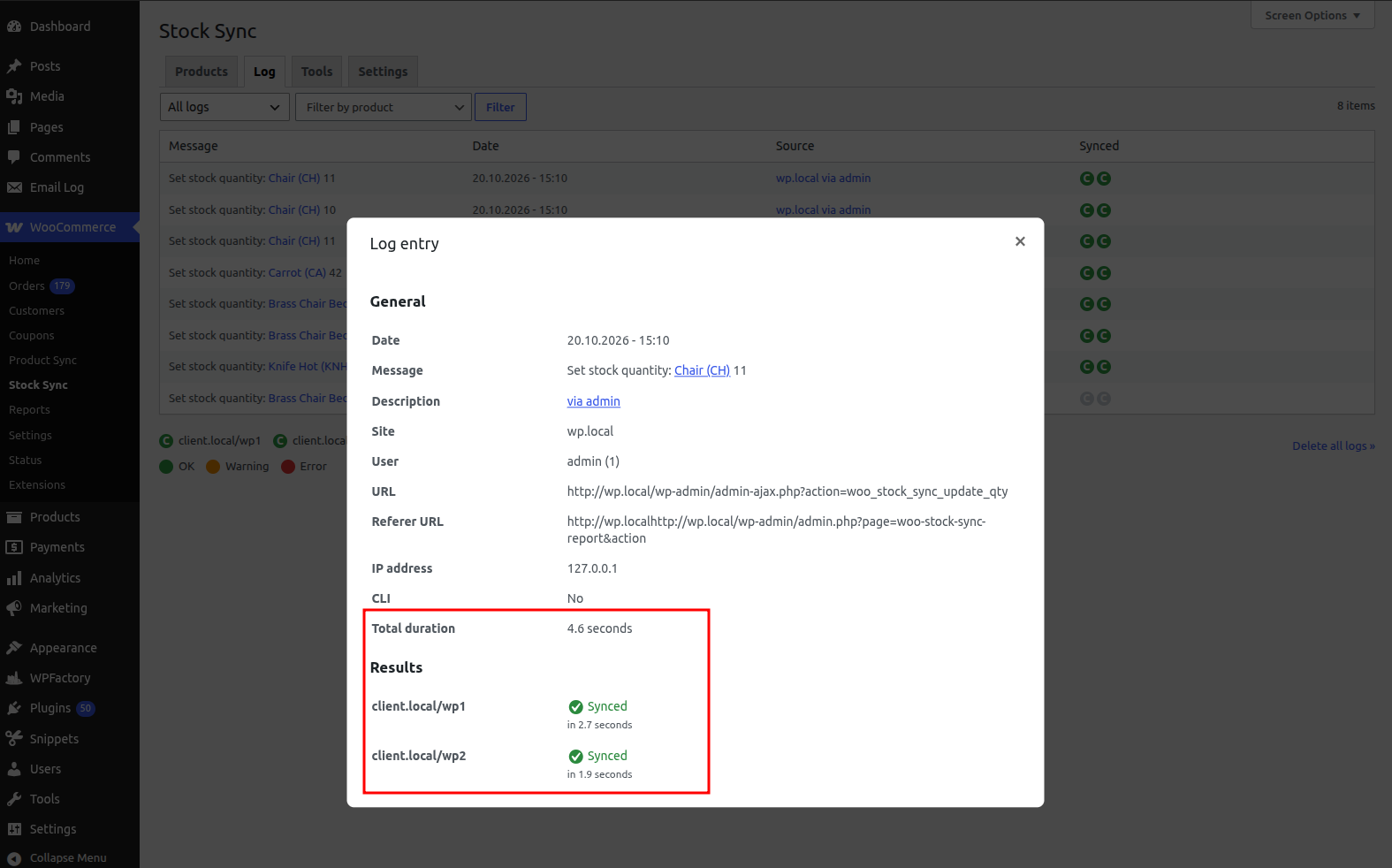
In the older version, syncing stock quantity to the two external sites took 4.6 seconds. This is because the plugin waited the first site to finish before moving onto the next one.
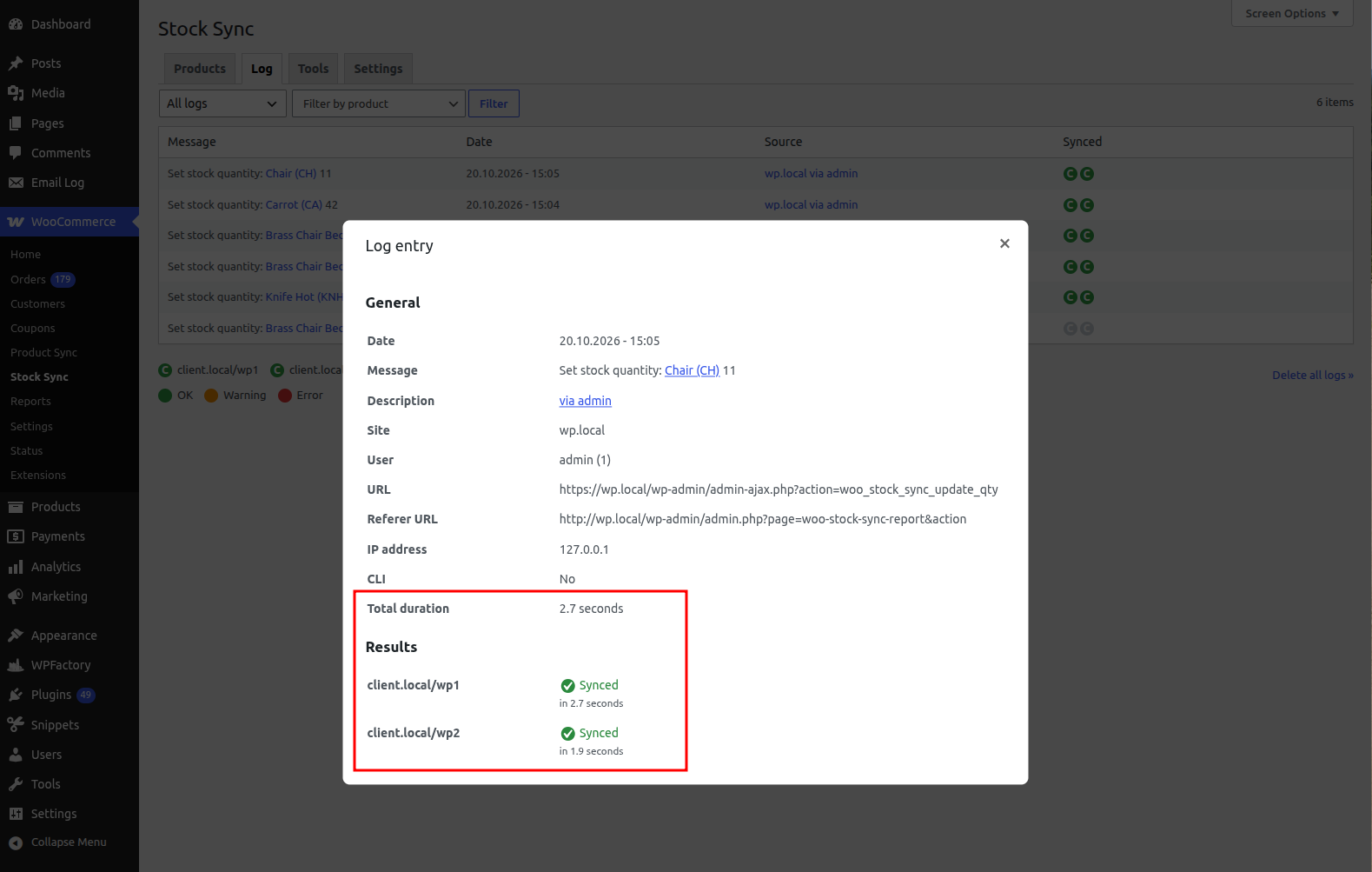
In the new version, the same process took only 2.7 seconds – 41 % improvement. This improvement was possible due to cURL simultaneous requests (curl_multi_exec) which performs the requests in parallel.
The more sites you have connected, the higher the performance improvement will be with the new version.
More reliable syncing
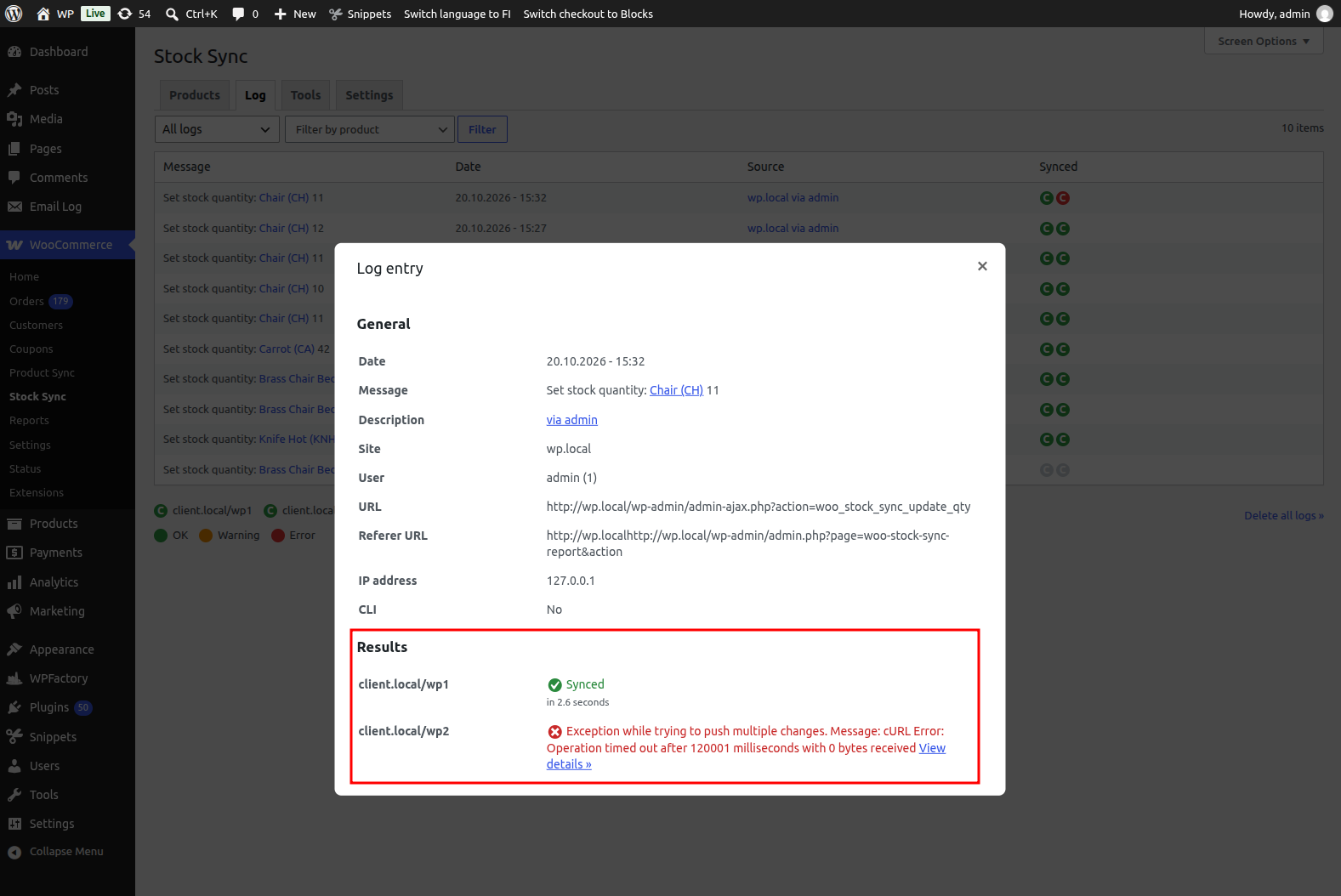
The new version also has more reliable syncing because it handles timeout errors better. In older versions, when some site didn’t respond in a timely manner, the log entry got stuck in Dispatching state indefinitely. This was caused by timeout aborting the process before all responses were handled.
In the new version, the timeout limit is set to the PHP time limit minus one second. This allows proper logging for timeout errors as well as retrying the failed requests appropriately.
Updating the plugin
The version 3.0.0 is available through WordPress admin > Plugins > WooCommerce Stock Sync Pro > Check for updates. All improvements will become active upon updating, no settings have to be changed.
If you don’t yet have WooCommerce Stock Sync Pro, get it here.


